Xtream Codes vs M3U: Which IPTV Login Should You Use?
When you order an IPTV plan, you usually get a choice of login type. The question of Xtream codes vs M3U sounds technical, yet the difference is simple once you see it side by side. Both unlock the same channels; they just deliver them to your player app in different ways.
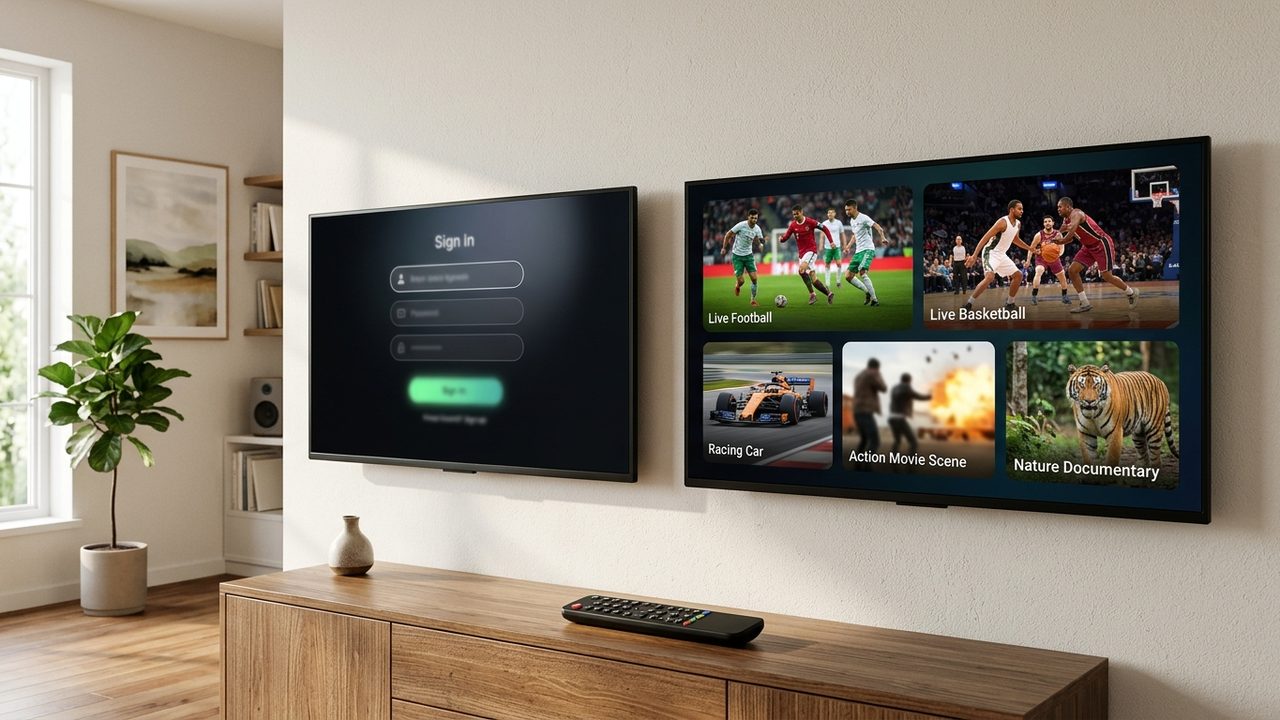
This guide compares the two formats, lists their pros and cons and explains which apps and devices accept each one. With SetIPTV, you can receive either format, and you can switch later if you change devices.
The basics of each login type
An M3U link is one long web address. Your username and password sit inside it, and the app downloads a text list of every channel and title. For background on the format, see the Wikipedia page on M3U.
Xtream codes split the same login into three fields: a server URL, a username and a password. Instead of one big file, the app talks to the server and asks for channels, movies, series and guide data separately. As a result, the app can sort content more neatly.
In both cases, you get the full library: 57,000+ live channels and 235,000+ movies and series, plus EPG where supported.
Here is a simple way to picture it. An M3U link works like a printed menu that the app reads from top to bottom. Xtream codes, by contrast, work like a waiter who brings each course when you ask for it. The food is identical; only the service style changes.
Xtream codes vs M3U: comparison table
| Feature | M3U link | Xtream codes |
|---|---|---|
| What you enter | One URL | Server URL, username, password |
| App support | Almost every IPTV player app | Most modern IPTV player apps |
| Movies and series | Often mixed into long lists | Usually split into tidy sections with posters |
| TV guide (EPG) | Often needs a separate EPG link | Usually loads automatically |
| Loading speed | Slower on big lists, all at once | Faster, section by section |
| Plan expiry date | Not shown in most apps | Often shown in the app |
| Typing on a TV remote | One very long link | Three short fields |
Pros and cons of an M3U link
M3U is the most universal option. Nearly every player on Smart TV, Android, iPhone and PC can read it, including older or very basic apps.
- Pro: works almost everywhere, including simple media players.
- Pro: one link is easy to copy and paste on a phone or PC.
- Con: large libraries load slowly, because the app downloads the whole list at once.
- Con: the guide often needs a separate EPG URL.
- Con: on-demand content can appear as long, flat lists.
For a full walk-through of this format, read our Greek M3U playlist guide.
Pros and cons of Xtream codes
Xtream codes suit people who watch a lot of on-demand content. Since the app requests each section separately, menus feel quicker and better organised.
- Pro: movies and series arrive in neat categories, often with covers and short descriptions.
- Pro: the EPG usually loads without extra steps.
- Pro: three short fields are easier to type with a remote.
- Con: a few very basic players do not support the format.
- Con: you must type the server address exactly, including the port number if one is given.
M3U vs Xtream codes: which apps and devices support each
You do not need a specific app name to know what will work. Instead, check the add-playlist screen of the app you plan to use:
- If it shows a field for an M3U URL or playlist link, it accepts M3U.
- If it asks for a server, a username and a password, or mentions an Xtream or API login, it accepts Xtream codes.
- Many popular players on Android TV, Fire TV Stick, Samsung and LG Smart TVs, Apple TV and iPhone accept both.
- MAG boxes use their own portal method, so tell our team if you watch on one.
- On a Windows or Mac computer, desktop media players can read M3U links directly.
If you are unsure, the setup guide shows the login screen for each device type, step by step.
When to choose Xtream codes vs an M3U link
So, which one wins in the Xtream codes vs M3U choice? In short, it depends on your app and how you watch.
- Choose Xtream codes if your app supports it and you watch a lot of movies and series. It is also easier to type on a TV remote.
- Choose M3U if your app only accepts a link, if you use a basic media player, or if you want to paste one URL from your phone.
- Use both if you have several devices with different apps. One plan covers either format, within the device limit of your plan.
For example, a family in Cyprus might use Xtream codes on the living room Android TV for films and series. Meanwhile, a teenager uses the M3U link in a simple player on a laptop. Both share one 12-month plan with a second device at 25% off.
Switching later is easy, too. If you change apps or buy a new TV, just ask our team for the other format and enter it in the new app. Your plan, channels and remaining time stay exactly the same.
Whichever you pick, the stream quality is the same. Smooth playback depends on your connection, so check our guide to the broadband speed IPTV needs before you start.
Both login types come with every plan, as the Greek IPTV subscription overview shows. If you mainly watch on a TV, the Smart TV guide tells you which format suits Samsung, LG and Android TV.
Get your login in minutes
Still weighing up Xtream codes vs M3U for your setup? Ask for a free trial on WhatsApp, tell us your device and we will send the login type that fits. Then pick a plan on the pricing page, from $12.99 for one month to $74.99 for twelve months.
Activation usually takes minutes after payment by card, Apple Pay or Google Pay. To ask a question or request your trial, contact our team.