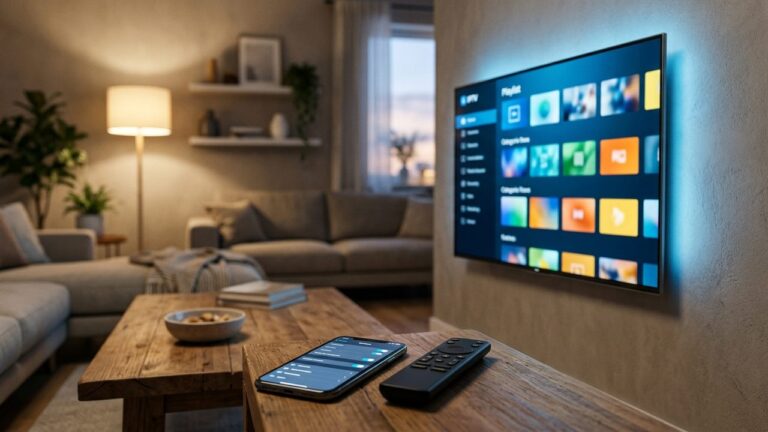
Greek TV Box: How to Choose the Right Streaming Device for Greek IPTV
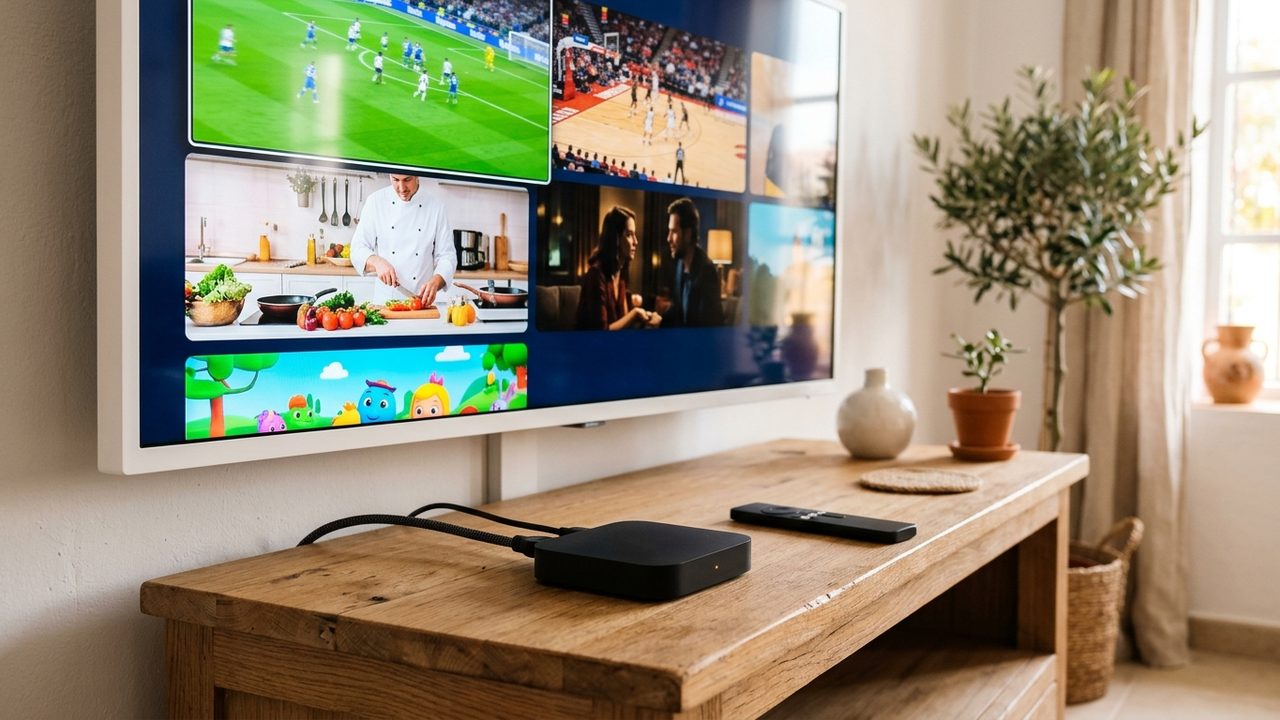
A Greek TV box is a small streaming device that plugs into your TV and runs an IPTV player app for Greek-language channels. Because it plugs into any HDMI port, it is the easiest upgrade for an older TV, or for a Smart TV whose built-in apps feel slow. However, not every box handles live TV well. This guide explains which specs matter, how the main device types compare and how to set one up in about ten minutes.
Do you actually need a Greek TV box?
First, check what you already own. A recent Samsung, LG or Android TV can often run a compatible IPTV player app directly, so extra hardware may not be needed. If so, our guide to Greek IPTV on Smart TVs covers that route.
A separate device makes sense in a few cases:
- Your TV is not a Smart TV, or its app store has few IPTV players.
- The built-in apps are slow, freeze on channel changes or no longer receive updates.
- You want the same app and remote on several TVs in the house.
- You travel often, so you want to carry your setup to a holiday home.
The three main device types
Android TV boxes
Android TV boxes are the most flexible option. They also offer the widest choice of player apps, an Ethernet port on most models and plenty of storage. As a result, they suit viewers who want catch-up, recording to USB or multi-screen viewing.
Fire TV Stick
A Fire TV Stick plugs straight into an HDMI port and hides behind the TV. Because it is compact and affordable, it suits bedrooms and second TVs, while the voice remote keeps it easy to use. On the other hand, it relies on Wi-Fi unless you add a USB Ethernet adapter, and storage is limited. Our step-by-step guide to Greek TV on Fire TV Stick walks through the install.
MAG boxes
MAG boxes are dedicated IPTV set-top boxes. They start straight into a TV-style menu, which many older viewers find familiar. Because they do one job, they are stable and simple. That said, they offer fewer apps and are set up through a portal rather than a normal player app, so ask support for the MAG steps.
Specs that matter for a Greek TV box
Marketing labels can be confusing, so focus on a short list of numbers.
| Spec | Minimum | Recommended | Why it matters |
|---|---|---|---|
| RAM | 2 GB | 4 GB | Faster channel switching and smoother guide scrolling |
| Storage | 8 GB | 16–32 GB | Room for apps, the EPG cache and system updates |
| Video decoding | H.264 | HEVC (H.265) in hardware | Needed for many FHD and 4K streams |
| Network | 2.4 GHz Wi-Fi | Ethernet or 5 GHz Wi-Fi | Steadier streams and fewer drops |
| Output | 1080p HDMI | 4K HDMI 2.0 with HDR | Matches 4K channels where available |
HEVC deserves special attention, because many FHD and 4K streams use it. It is a modern video codec that delivers the same picture at a lower bitrate than older formats. In short, a device with hardware HEVC decoding plays 4K streams without stutter, while one that decodes in software often struggles. The Wikipedia page on High Efficiency Video Coding explains the technology in detail.
Also check the operating system version. A device that still receives Android TV updates will keep running current player apps for longer, while an abandoned one slowly loses support.
Finally, think about the remote. A remote with number keys, a guide button and a back button makes channel surfing far more comfortable, especially for older family members. Some boxes ship with tiny remotes that lack these keys, so it is worth checking photos before you buy.
Budget tiers without the hype
You do not need the most expensive device. Instead, match it to your TV and your viewing habits.
- Entry level (roughly $25–40): a basic streaming stick with 1–2 GB of RAM. Fine for HD channels on one TV, but expect slower menus with a large channel list.
- Mid range (roughly $50–80): a 4K stick or Android TV box with 2–4 GB of RAM, HEVC decoding and 5 GHz Wi-Fi. This is the sweet spot for most homes.
- Upper range ($100 and up): a box with 4 GB of RAM or more, Ethernet, extra storage and a faster processor. Worth it for a main living-room TV, regular 4K viewing or heavy use of catch-up.
Prices vary by country and season, so treat these ranges as a guide. Above all, avoid unbranded boxes that promise free channels or arrive preloaded with unknown apps. They are often underpowered, rarely updated and can put your home network at risk.
How to set up your Greek TV box
- Connect the device to your TV by HDMI and, if possible, to your router by Ethernet.
- Complete the first-time setup and install any system updates.
- Install a compatible IPTV player app from the device’s app store.
- Open the app and choose an Xtream codes or M3U login.
- Enter the details you received from SetIPTV on WhatsApp.
- Wait for the channels and the EPG guide to load, then add your main Greek channels to favourites.
Next, run a quick speed test. HD streams need about 10 Mbps, and 4K needs around 25 Mbps or more per screen. If two TVs play at once, add those figures together.
Placement matters as well. Keep a stick or box out of tight cabinets, because heat slows the processor and can cause stutter during long evenings of viewing. If you must use Wi-Fi, place the router within one room of the TV, or add a mesh point nearby. The full walkthrough for each device type is in our setup guide.
Whatever box you pick, the same Greek IPTV subscription works on it, and you can test it first with a free trial.
Start watching Greek channels on your new TV box
Once the hardware is ready, a SetIPTV plan unlocks 52,728 live channels and 169,076 movies and 44,465 series. Plans start at $12.99 for one month, so a short test costs little. The 12-month plan at $74.99 also includes 25% off a second device and 50% off a third. See every option on the pricing page, or ask for a free trial on WhatsApp to test your setup before you buy.