Greek TV Guide EPG: How the Programme Guide Works in IPTV Apps
A Greek TV guide EPG shows what is on now and next on every channel, right inside your IPTV player app. It turns a long channel list into a familiar TV grid. However, the guide only works well when the app loads it correctly, refreshes it and uses the right time zone. This post explains each step, plus how to fix a guide that stays blank.
What an EPG is and why it matters
EPG stands for electronic programme guide. It is a data file that lists programme titles, start times and short descriptions for each channel. Most IPTV services deliver it in the XMLTV format, which nearly every player app can read. Wikipedia has a clear overview of the electronic program guide if you want the background.
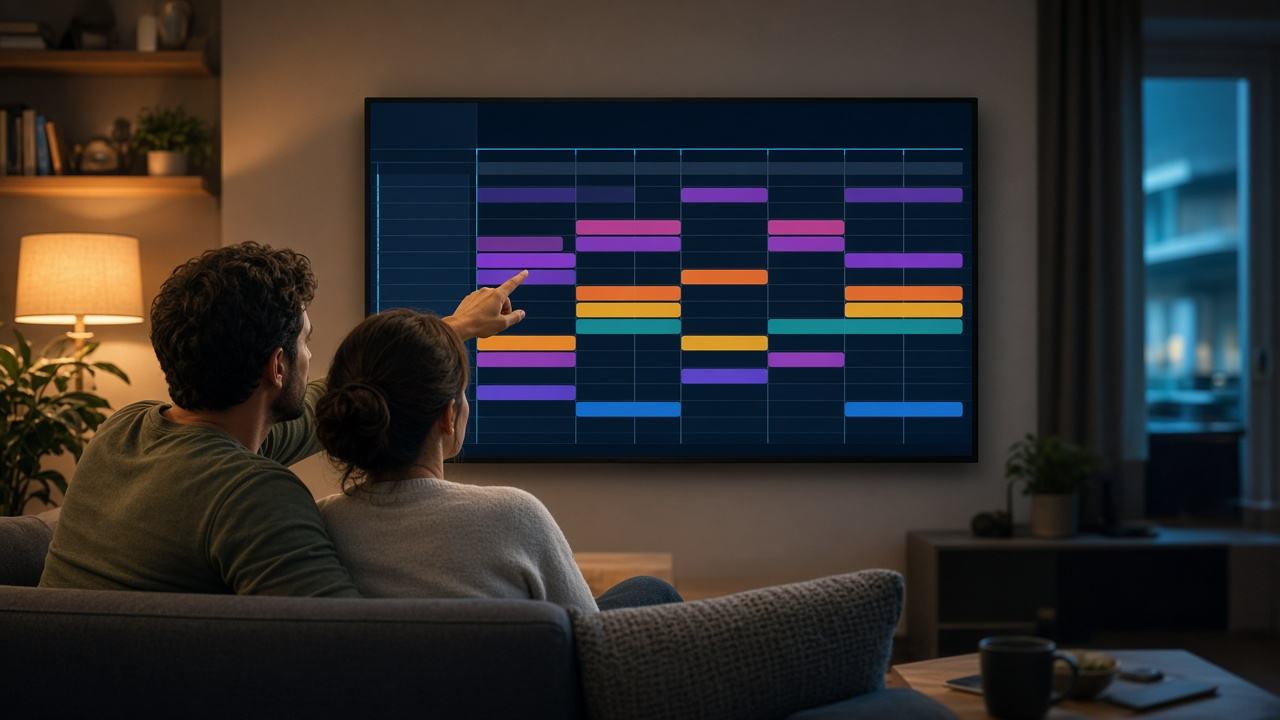
In practice, the guide saves you from flicking through channels. You open the grid, scroll to tonight and see the evening news, series and live sports at a glance. As a result, a service with 52,728 live channels becomes far easier to browse.
SetIPTV provides EPG data where supported. Coverage is strongest on the main Greek-language channels. Some smaller or international channels, on the other hand, may show only the channel name.
How the Greek TV guide EPG loads in player apps
The guide reaches your app in one of two ways, depending on how you log in.
- Xtream codes login: you enter a server address, username and password. The app then pulls the channel list and the guide together, so there is usually nothing extra to configure.
- M3U link: the playlist holds the channels, while the guide comes from a separate EPG link. Some apps read that link from the playlist automatically; others need you to paste the EPG URL into the settings.
Behind the scenes, each channel in the playlist carries an ID. The app matches that ID with the same ID in the guide file. When they match, programme data appears under the channel. When they do not, that row stays empty. If you are unsure which login type suits you, our comparison of Xtream codes vs M3U explains the difference.
Refreshing the guide
Guide data usually covers a few days ahead, so it needs regular updates. Most player apps refresh it once a day or every time they start. Still, it helps to know where the manual option sits.
- Open the app settings and find the section called EPG, TV guide or programme guide.
- Set the update interval to every 12 or 24 hours.
- Press the update or refresh button straight after your first login.
- Wait a minute or two, because a large guide file takes time to download and process.
On smaller devices, such as an older Fire TV Stick, the first load can be slow. In that case, leave the app open on the guide screen until the grid fills in. Once your Greek TV guide EPG has loaded once, later updates are usually much quicker.
Fixing the EPG timezone offset in your Greek TV guide
A common complaint is that programmes appear an hour or two early or late. This is almost always a timezone setting rather than a fault in the guide. Greece runs on Eastern European Time: UTC+2 in winter and UTC+3 in summer, from the last Sunday of March to the last Sunday of October.
First, check that your device clock and time zone are correct in the system settings. Then look for an option called EPG time shift or timezone offset in the player app. Adjust it one hour at a time until the current programme matches what is actually playing.
If you live abroad, the app should show programmes in your local time. For example, a bulletin at 20:00 in Athens shows at 18:00 in London and, for most of the year, at 13:00 in New York. Because clocks change on different dates in some countries, re-check the guide for a week or two after each change.
Catch-up and the guide
On some channels, the guide also works as a doorway to catch-up. Where a channel supports it, past programmes show a small replay or clock icon in the grid. You select the programme and play it from the start, much like a recording.
However, catch-up depends on both the channel and the app. Not every channel offers it, and not every player app supports the feature. If replay matters to you, ask our WhatsApp support which channels include it before you choose a plan. Meanwhile, the 169,076 movies and 44,465 series on demand cover much of what you might otherwise record.
What to do when the Greek TV guide EPG is empty
An empty grid is frustrating, but the cause is usually simple. Work through these checks in order:
- Refresh manually. A first download sometimes fails without any warning, so trigger an update and wait.
- Check the EPG link. With an M3U login, confirm the guide URL is pasted in full, with no extra spaces.
- Clear the app cache. On Android TV and Fire TV Stick, open system settings, then apps, then your player app, and clear the cache (not the data).
- Check the date and time. A wrong device clock can hide all programme data.
- Load fewer days. Some apps let you limit the guide range, which helps devices with little memory.
- Re-add the playlist. As a last step, remove your login and add it again so the channel IDs and guide line up.
If only a few channels are blank, the guide may simply not cover them. In that case, send the channel names to support so the team can check. For freezing or stuttering rather than guide problems, see our guide to fixing IPTV buffering.
To see which categories carry a full programme guide, browse the Greek TV channels page. You can also check the EPG on your own device during a free trial.
Get a working TV guide with SetIPTV
Every SetIPTV plan includes the full channel list, the on-demand library and EPG data where supported. Plans start at $12.99 for one month, and the 12-month plan costs $74.99. Compare every option on the pricing page and follow the setup guide for your device. Not sure yet? Request a free trial on WhatsApp and test the guide on your own TV first.